
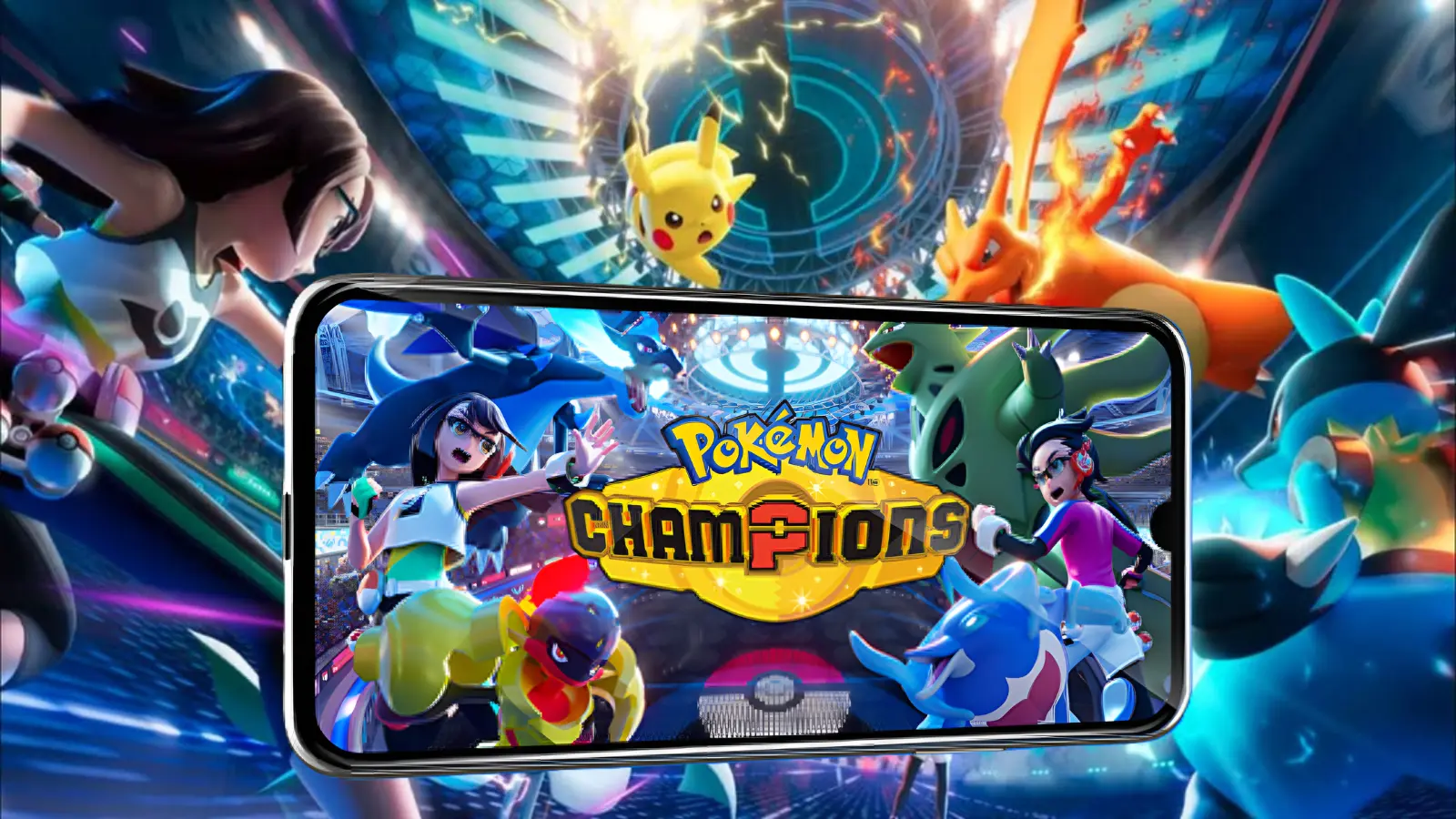
Pokémon Champions landed on iOS and Android on June 17, 2026, and the forums filled up fast. Not with team-building talk. With crash reports. Players who had been waiting weeks to jump in from their phones were getting black screens, restart loops on the login page, and in some cases the app just refused to open at all.
The problems are not random. They cluster around a few specific causes, and most of them are fixable. Budget phones in particular are running into a wall that has nothing to do with user error, and that is worth knowing upfront before you spend an hour reinstalling the game.
This guide covers the main issues people are hitting on both platforms, what is actually causing them, and what you can do about each one.
Check If Your Phone Can Even Run It
This is the first thing to sort out, because a lot of the crash reports are coming from phones that do not meet the minimum specs. If your device falls below the requirements, no amount of reinstalling or cache-clearing is going to help.
The official requirements from The Pokémon Company are:
iOS: iOS 16.0 or later. Minimum 4 GB of RAM. Around 2.2 GB of free storage. The oldest compatible iPhones are the iPhone 8, iPhone 8 Plus, iPhone X, and iPhone XS range. Anything that cannot run iOS 16 is out.
Android: Android 13.0 or later. Minimum 4 GB of RAM. Similar storage requirement of around 2.2 GB.
That Android 13 floor is the part catching people off guard. Budget phones sold as recently as 2023 often shipped on Android 11 or 12 and never received the Android 13 update. The Galaxy A16 and A17 5G are confirmed to have issues. Whether that is a spec problem, an update problem, or a bug specific to that hardware is not fully clear yet, but those phones are showing up in nearly every complaint thread.
Worth noting: the official support page also states that the app may not launch on rooted or modified devices, and that meeting the minimum requirements does not guarantee the game will run cleanly. Those are two different situations. Rooted Android phones have a real incompatibility. Budget phones that technically meet specs but are running older software or have weak GPU performance may still see degraded performance or crashes under load.
The Login Loop: Nintendo Account Not Linking
This one is widespread and genuinely frustrating. Players open the app, get to the Nintendo Account login screen, sign in through the browser, and then get kicked straight back into the app at the same login prompt. The account never links. The cycle just repeats.
Reports on the official Pokémon Forums from June 18 and 19 show multiple users on Samsung Galaxy A16 and A17 5G units hitting exactly this pattern. One forum moderator acknowledged the issue and flagged it for the support team, but no official fix has been confirmed yet for those specific devices.
If you are hitting this problem, here is what to try:
First, clear the app's cache. On Android, go to Settings, then Apps, find Pokémon Champions, tap Storage, and hit Clear Cache. This does not delete your progress. Then try linking again. On iOS, you cannot clear individual app caches the same way, but you can offload and reinstall the app from Settings under General, then iPhone Storage.
Second, make sure no VPN is running. Nintendo Account authentication sometimes fails when traffic is being routed through a VPN. Disable it entirely before attempting to sign in.
Third, check that your Nintendo Account does not have two-factor authentication causing the browser redirect to time out before the app catches the response. Some users resolved this by disabling 2FA temporarily, linking the account, then re-enabling it.
Fourth, if you are on a Samsung Galaxy A-series phone and none of the above works, you may be hitting the device-specific bug that multiple users have reported. The current advice is to wait for a patch. The issue has been flagged on the official forums and The Pokémon Company support team is presumably aware of it. Not a great answer, but that is where it stands.
App Crashes at Startup or Black Screen
This breaks down into two separate situations that look identical from the outside.
The first is a compatibility issue. If your phone does not meet the Android 13 or iOS 16 requirements, or has less than 4 GB of RAM, the app may open briefly and crash, or show a black screen and close. There is no fix for this short of running the game on different hardware. The game was built for those specs and will not run reliably below them.
The second is a storage or memory issue on devices that technically qualify. If your phone has less than 3 GB of free storage or is running with a dozen other apps active in the background, the game can fail to load assets properly and crash on startup. This is fixable.
For the storage fix: go through your phone and delete anything you do not need. Photos, old apps, cached data from streaming services. You want at least 4 to 5 GB free, not just the 2.2 GB the game itself takes up, because the game also needs working space during load.
For the memory issue: fully close every other app before launching Pokémon Champions. On Android, use the recent apps button and swipe everything away. On iOS, swipe up from the home screen and clear recent apps. Then restart the game cold.
If the black screen persists after those steps, a full device restart usually clears whatever memory is being held by other processes. Power it off completely, wait 30 seconds, and try again.
Game Loads but Crashes Mid-Battle
This is different from a startup crash and usually points to thermal throttling or RAM pressure under load. The game loads fine, you get into a fight, and then it drops out somewhere in the middle.
Pokémon Champions is an online-only title with real-time battle animations. On lower-end hardware, sustained gameplay puts pressure on the processor in a way that initial loading does not. Budget phones with Helio G-series or older Snapdragon 6xx chips will start throttling after a few minutes under load, which can cause frame drops severe enough to disconnect or crash the app.
The main way to reduce this is to play somewhere cool, avoid direct sunlight, and take the phone case off if you have one. Heat management makes a genuine difference here. Some users have also had success turning off Bluetooth and Wi-Fi calling to reduce background processor usage during matches.
There is no in-game graphics setting on mobile to reduce visual load, unlike PC settings guides where you can crank things down. The mobile version renders at a fixed quality level. If your hardware cannot handle it consistently, this will keep happening until either a patch comes with performance options, or you play on a more capable device.
Connection Errors and Server Issues
In the first few days after the mobile launch, some of what looked like crashes were actually connection drops. Pokémon Champions requires a stable connection at all times. It is not playable offline at all. If the server hiccups during a match, the app can freeze or close rather than gracefully handling the disconnect.
The official support page recommends switching between Wi-Fi and mobile data if you are having repeated connection issues. If one is working better than the other, stick with it. Some users found that mobile data connections were more stable during the launch window when Wi-Fi networks were congested.
Also worth checking: the date and time on your device should be set to sync automatically. This sounds unrelated, but authentication tokens used during login and match verification can fail if your local clock is significantly off. On Android, go to Settings, then General Management, then Date and Time, and make sure Automatic Date and Time is on. On iOS, go to Settings, then General, then Date and Time, and enable Set Automatically.
If you keep hitting error codes during login or matchmaking, check the official Pokémon Champions support page at app-pcs.pokemon-support.com for any known server outages. The launch week had a few maintenance windows that caused a wave of error reports from players who thought the problem was on their end.
Save Data Not Transferring from Switch
This is a setup issue rather than a crash, but it is coming up a lot and the window to fix it is very short. If you have hours of progress in Pokémon Champions on a Nintendo Switch or Switch 2, you can carry it over to mobile, but only at first login.
When you open the game on mobile for the first time, you will be asked to link a Nintendo Account. At that screen, there is an option to transfer your Switch save data. If you skip past this and start a fresh save instead, the game locks you out of the transfer. You cannot go back and pull your Switch progress later.
If you have already started a fresh mobile save by accident and have Switch progress you want to recover, contact Pokémon Champions support. There is no guarantee they can restore it, but it is worth trying before the save data gap grows larger.
Budget Phone Reality Check
A few things are worth being direct about for players on entry-level hardware.
The 4 GB RAM requirement is a real floor, not a suggestion. Pokémon Champions is built on the same engine that powered the Switch version, and while it has been adapted for mobile, it is not a lightweight app. The game manages real-time PvP battles with animations and networking simultaneously. That takes memory.
Phones like the Samsung Galaxy A15, A16, Redmi 12, and similar devices in the Rs 10,000 to Rs 15,000 range often ship with 4 GB RAM on paper but run Android 12 or older, which disqualifies them immediately. Even phones with Android 13 in that bracket are running it on hardware that was budget-grade when it launched. They may pass the install check but struggle in practice.
If you are on a phone in that range and hitting repeated crashes, the honest answer is that the game is not well-suited to your hardware right now. It might improve with patches. The Pokémon Company could release a low-performance mode. But as of the current version, budget devices are having a hard time.
Devices that are confirmed to run the game without major issues include the Samsung Galaxy S21, S22, and S23 series, the Galaxy A54, iPhone 12 and above, and mid-range phones in the Pixel 7 and Pixel 8 range. If you have access to a device in that bracket, even an older one, it will likely give you a much cleaner experience than pushing a budget phone past what it was designed for.
General Fixes Worth Trying on Both Platforms
If none of the above applies and you are still getting crashes or load failures, run through this checklist before contacting support.
Make sure the game is fully updated. The initial release had issues that patches addressed quickly. Go to the App Store or Google Play and check for pending updates.
Uninstall and reinstall the app. This is especially useful on iOS where cache-clearing options are limited. A clean install sometimes resolves corruption in the app's local data files that causes launch failures.
Check available storage one more time. The game downloads additional assets after installation. If your storage is near-full, those downloads may be incomplete, which causes asset load errors that look like crashes.
Disable battery saver mode. Most Android phones throttle processor performance in battery saver, which can cause instability in demanding apps. Keep it off while playing.
On iOS, check that Background App Refresh is enabled for Pokémon Champions under Settings, then General, then Background App Refresh. The game uses this for account verification processes that run behind the scenes.
Where to Get More Help
The official Pokémon Champions support site is at app-pcs.pokemon-support.com. It has specific articles for connection issues, device compatibility, and login problems. The official Pokémon Forums at community.pokemon.com are also active, and moderators have been responding to reported bugs, which suggests the team is tracking them.
For the Nintendo Account linking loop specifically, the issue has been acknowledged. If you submit a support ticket, include your device model and Android version. The more data they have on which specific devices are affected, the faster a targeted fix tends to come.
The mobile launch was never going to be perfectly smooth. The Switch version had its own rough first week back in April with server errors and matchmaking issues. The mobile version adds a much larger and more fragmented hardware pool on top of that. Most of these problems will get patched. The login loop, the Galaxy A-series issues, the mid-battle drops. These are known, they are being reported, and they will get fixed.
In the meantime, the fixes above cover the majority of what players are actually hitting. If your phone meets the specs and you follow the steps, most issues clear up. If your phone does not meet the specs, that is genuinely useful information to have before investing time troubleshooting something that is not going to change without a hardware upgrade.